
How to Build a Project Management System That Actually Works (Without Burning Out)

Most people don’t fail at productivity because they’re lazy. They fail because their “system” is a loose collection of apps, half-finished to-do lists, and reactive habits.
Here’s the uncomfortable truth: if your project management system doesn’t reduce thinking, it’s broken. A good system should make decisions obvious, not harder.
This guide walks you through building a project management system that actually holds up under real-world pressure — deadlines, distractions, and shifting priorities included.

1. Define What Counts as a “Project” (Most People Skip This)
If everything is a project, nothing is.
A project should meet three criteria:
- Multiple steps (not a single action)
- A defined outcome
- A timeline or deadline
Writing “email John” is not a project. Launching a marketing campaign is.
This distinction matters because it determines how you structure your system. Tasks live in lists. Projects live in systems.
When you don’t separate them, your brain constantly re-evaluates everything — which kills momentum.
2. Choose One System, Not Five Tools
Tool-hopping is the fastest way to feel productive without actually moving anything forward.
You don’t need the “best” app. You need one that you’ll use consistently.
Pick a primary system structure:
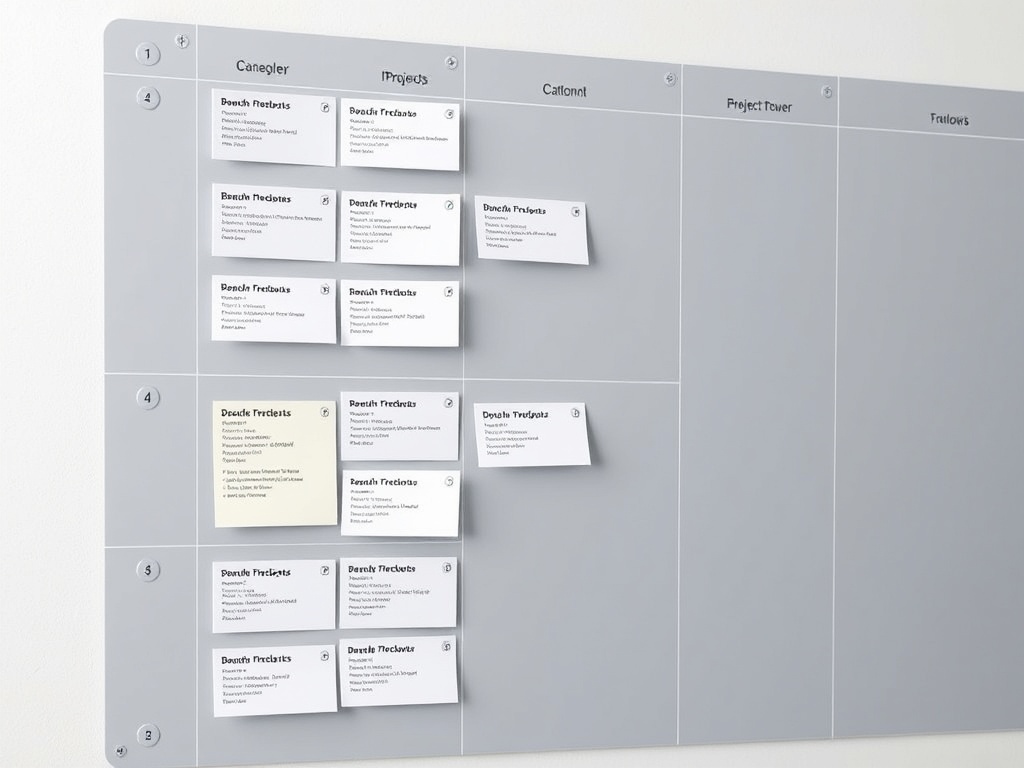
- Kanban (visual boards) — best for ongoing workflows
- List-based (task lists) — best for linear execution
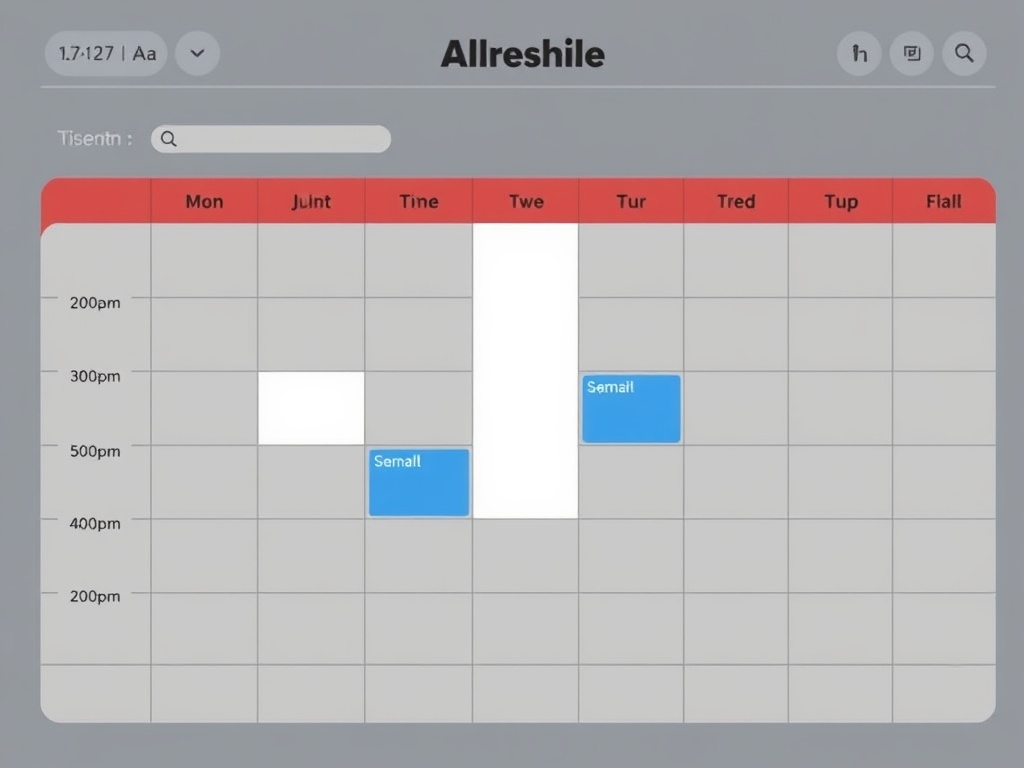
- Calendar-driven — best for time-blocking and deadlines
Then commit to it. Switching tools every two weeks resets your progress to zero.
The real productivity advantage comes from familiarity, not features.

3. Break Projects Into “Next Actions,” Not Vague Steps
“Work on proposal” is useless. It creates friction because your brain has to decide what “work” means every time you see it.
Instead, define the next physical action:
- Open previous proposal doc
- Draft section 1 outline
- Email client for missing data
This is where most systems collapse — not because they’re missing features, but because they’re filled with vague inputs.
Clarity beats motivation every time.

4. Build a Weekly Planning Ritual (Non-Negotiable)
If you don’t review your system weekly, it decays. Fast.
Your weekly reset should take 30–60 minutes and include:
- Review all active projects
- Update next actions
- Remove completed or irrelevant tasks
- Reprioritize based on current reality
This is where your system becomes trustworthy again. Without it, everything drifts into chaos.
Think of this as maintenance, not optional optimization.
5. Use Time Blocking to Bridge Planning and Execution
A task list tells you what to do. A calendar forces you to do it.
Time blocking connects your system to reality.
Instead of saying “I’ll do this sometime,” you assign work to a specific window:
- 9:00–10:30 → Deep work on Project A
- 11:00–11:30 → Admin tasks
- 2:00–3:00 → Client calls
This eliminates decision fatigue during the day. You don’t ask “what should I do?” — you follow the plan.

6. Limit Work in Progress (The Hidden Multiplier)
Most people try to push 10 projects forward at once. That guarantees slow progress on all of them.
Instead, cap your active projects:
- 1–2 high-focus projects
- 2–3 low-intensity projects
This forces prioritization and creates momentum.
Finishing one project completely beats making 10 projects 30% done.
7. Build Friction Into Low-Value Work
Not all tasks deserve equal access to your attention.
If something is low-value, make it slightly harder to engage with:
- Batch emails instead of checking constantly
- Schedule admin work into one block
- Hide non-urgent lists from your main view
This protects your best energy for meaningful work.
8. Design for Reality, Not Ideal Days
Most systems fail because they assume perfect conditions: no interruptions, high energy, full control of your schedule.
That’s not how real life works.
Your system should survive:
- Bad days
- Unexpected meetings
- Low motivation
That means keeping it simple, flexible, and forgiving.
If your system only works when everything goes right, it doesn’t work.
9. Track Outcomes, Not Just Activity
Checking off tasks feels good, but it can be misleading.
Instead of asking “what did I do today?”, ask:
- What moved forward?
- What got completed?
- What actually mattered?
This shifts your focus from busyness to progress.
10. Evolve the System Every 30 Days
No system is perfect on day one. The goal isn’t perfection — it’s iteration.
Once a month, review:
- What’s working
- What feels heavy or confusing
- What you’re avoiding
Then adjust.
The best systems are not rigid. They adapt with you.
Final Thought
A good project management system doesn’t just organize your work — it reduces the mental cost of doing it.
If you feel overwhelmed, it’s not because you have too much to do. It’s because your system isn’t helping you decide what matters.
Fix the system, and the work gets easier.